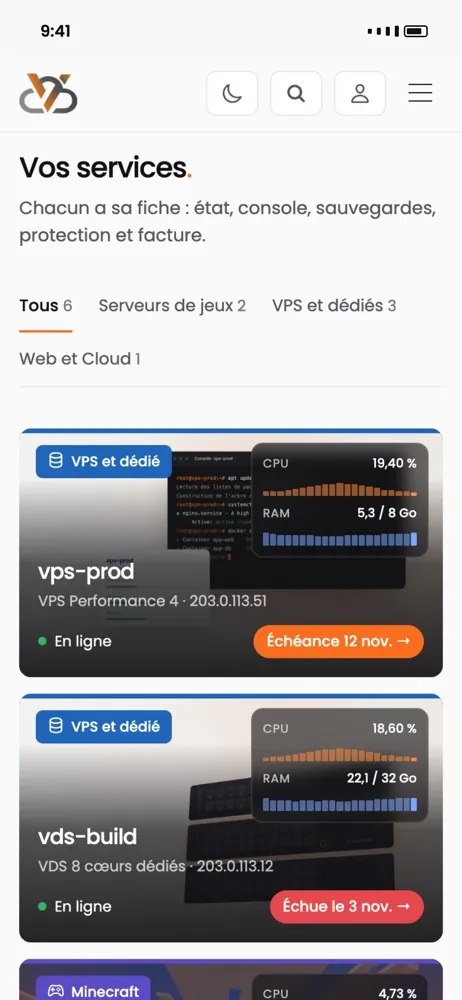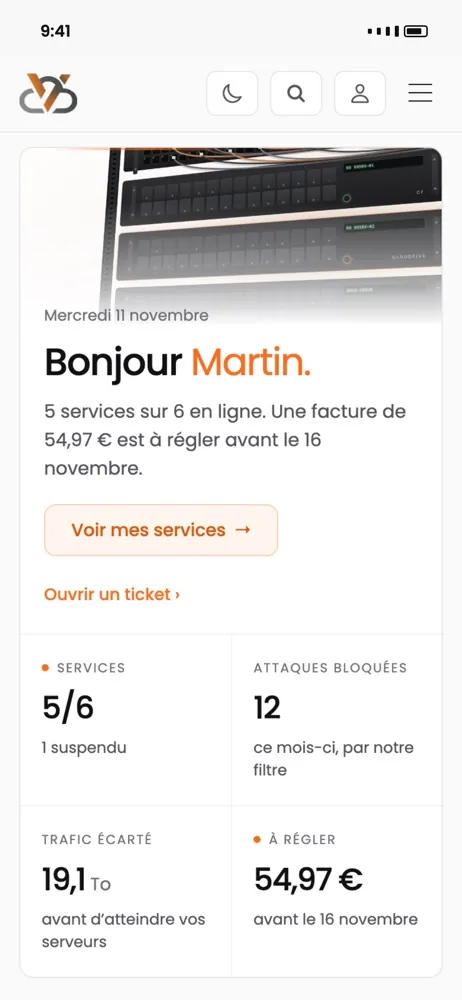
We don't buy our anti-DDoS.
We wrote it.
A filter that reads every packet before the operating system and decides in a few microseconds, with a profile for each type of service. Not a subscription with a provider: our own code, tuned for you.
On the network card, in a few microseconds.
One per type of service, combinable.
Every dropped packet carries its reason.
No detour through a scrubbing centre.
Three layers, from the coarsest to the finest.
A DDoS is first about volume, then about cunning. We don't handle the two in the same place.
Raw volume, upstream
Our carrier's network absorbs purely volumetric attacks before they reach us. That is its protection, not ours: it is broad and imprecise. It acts as a dam, not as a filter.
Our filter, at the edge
This is where we work. The program runs on the network card, before the operating system: every packet is read and judged in a few microseconds, before it even exists for the server. No detour through a remote scrubbing centre, so no added latency for your players.
Every dropped packet carries its reason. We always know why something was blocked, and we can undo it in one line if it was a mistake.
The service profile
A FiveM server and a website do not receive the same traffic. Each protected address carries a profile, and it defines what is normal there. One codebase, six settings, adjusted with you if your usage falls outside the norm.
Because a filter you buy doesn't know your players.
Generic protections consider game traffic suspicious: lots of small UDP packets, bursts at every connection, unusual ports. They cut what they don't understand. Ours knows what a FiveM, Minecraft or Rust session looks like, and lets through what resembles it. When a game changes, we change the filter.

Six profiles, one per type of service.
The profile defines what is expected on an address. Everything else is dropped before it arrives.
Profiles can be combined: an address that carries a game server and its website gets both.
What the filter drops, and why.
Twenty-one blocking reasons, grouped into five families. Here are the main ones.
DNS resolvers, content delivery networks and the addresses of our own services are exempt by default: a filter that cuts updates is not a filter.
Who is protected, and how.
What you see, and what we do.
Frequently asked questions.
Does it add latency?
No. The filter reads the packet on the network card, before the operating system, and decides in a few microseconds. There is no detour through a remote scrubbing centre, which is what adds latency with most protections.
Will my players be disconnected during an attack?
On an ordinary attack, no: game traffic is recognised and gets through, the rest is dropped. On an exceptional attack, the team is alerted within seconds and adjusts the profile with you while it is happening.
You're hosted with a carrier, so is it their protection?
Their protection exists and acts as a first dam against raw volume. But the filter that protects your server is ours: written by us, tuned service by service. That is what lets us adapt the protection to a specific game instead of cutting everything that goes over.
What if the filter blocks a real player?
It happens, rarely, and that is why every block carries its reason. Send us the player's address and the time: we find the reason and exempt it in one line if it was a mistake. DNS resolvers, CDNs and update services are exempt in advance.
Can I see what is blocked on my server?
Not yet from the customer area. Today the team has the dashboard; on request, we send you the details of the blocks on your address over a given period.
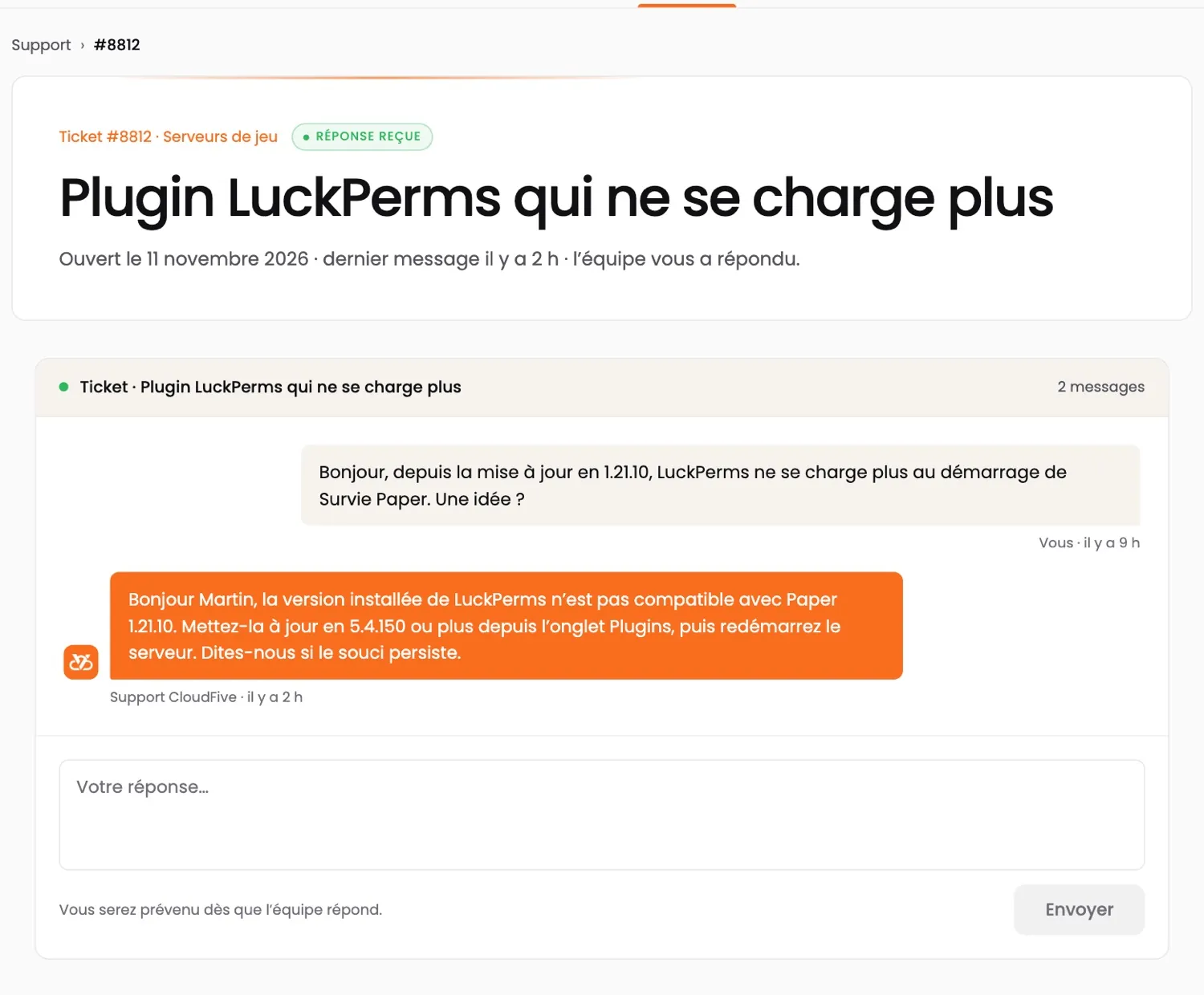
An answer right away, a real team behind it.
CloudFive AI answers you at any hour, in seconds. When it doesn’t know, or as soon as you ask, the team that runs the machines takes over. No offshore call centre.
- TicketThe team replies in under 2 hours, 7 days a week.
- CloudFive AIAt any hour, on ia.cloudfive.fr, Discord and in your customer area.
- DiscordThe team, the AI and other customers, in the help channel.
- Your data stays with usAI runs on our servers in France; e-mails, IPs and passwords are masked.
Your servers.
At your fingertips.
Restart a server, watch its resources live, pay an invoice or open a ticket — and get an alert when something goes wrong.
- The status of all your services at a glance
- Blocked attacks, filtered traffic, monthly peak
- A notification when a server goes down or an invoice is due
App coming soon · in the meantime, everything works in your browser at manager.cloudfive.fr