Our guides.
Answers to the questions we are asked most often before people order: which server, how much memory, which protection. Written by the team that runs the machines.
Game servers.
Set up, size and protect a game server.
- Set up a FiveM serverFrom the licence key to the first player online: what it takes to set up a FiveM server, roleplay or not, the settings that matter, and the mistakes that cost dearly once your community is live.
- How much RAM for a Minecraft serverMemory is not the only criterion, and giving a server too much does not make it faster. Here is how to estimate what you need, how to read what your server really uses, and what matters as much as RAM.
- Protecting a game server against DDoS attacksGame servers are among the most frequent targets of denial-of-service attacks. Understanding how they work helps you recognise them, choose protection that stops the attack without cutting off your players, and avoid making the attackers' job easier.
- Choosing a game server hosting providerTwo plans at the same price can give you very different servers. Here is what really matters, in the order your players feel it, and the pitfalls that only show up after you order.
- A VPS for a game server: the right choice?A VPS lets you host a FiveM, Minecraft or Rust server with complete freedom. But it isn't always the simplest choice, nor the cheapest. Here is how to decide, then how to do it properly if you choose a VPS.
- Create a Minecraft serverFor friends or for a community, with or without mods: the choices to make to create a Minecraft server that runs well, from the server software to the first settings.
- Create a Rust serverThe map, the wipe schedule and the plugins give a Rust server its identity. Here are the settings that matter, and how to keep a server smooth until the next wipe.
- Create a Garry's Mod serverSandbox with friends, DarkRP or TTT: what you need to set up a Garry's Mod server, make it visible in the Steam server list and have players download your addons.
- Set up a RedM serverRed Dead roleplay on PC runs through RedM, the Cfx.re platform. Here is what you need to get a server running, from the first setting to the first rider connected, and the choices to make before writing a single line of script.
- Set up a Nova-Life serverNova-Life: Amboise is a French roleplay game on Steam. Opening your own city takes a little preparation: here are the steps, the settings that matter and the mistakes that cost dearly.
- Set up an ARK: Survival Evolved serverHarvest rates, breeding, mods and linked maps: an ARK server is configured almost entirely in two files. Here is how to master them, and how to keep the game running smoothly week after week.
- Set up a Palworld serverA dedicated server keeps your Palworld world open day and night, for up to 32 players, without waiting for the host to be online. Here is how to configure it, protect it and never lose your Pals.
- Set up an Arma 3 serverCo-op operations, a unit server or public missions: the files you need to know, how to install mods without driving players away, and the settings that keep an Arma 3 server smooth when the AI gets busy.
- Set up an Arma Reforger serverArma Reforger is configured almost entirely in a single JSON file: the scenario, mods, slots and view distance. Here is what it contains, the mistakes that stop the server from starting, and how to keep it smooth.
- Host several game servers on a single machineA Minecraft server, a test server and a Rust server for the weekend: rather than paying for each server separately, you can bring them together on the same resources. Here is how to do it without one server smothering the others.
VPS and dedicated servers.
Choose the right machine, and the right system.
- VPS or dedicated server: which to chooseBoth give root access to a machine running Linux or Windows. The difference lies in what you share, what you administer and what you pay. Here is how to tell which one suits you, today and as your project grows.
- Linux VPS or Windows VPSThe choice of operating system depends mainly on the software you want to run. Everything else (resources, licence, administration, security) follows from it. Here are the pointers to decide, and the pitfalls on each side.
- KVM VPS or container: what's the differenceTwo VPSs with identical specs can rely on two different technologies. What changes: the kernel, and therefore what you can install, how the system is updated and the level of isolation.
- Secure a Linux VPSA VPS exposed to the Internet receives login attempts within minutes of going online. Here are the settings to apply straight away, in order, with the exact commands for Debian and Ubuntu.
- Connect to a Windows VPS with Remote DesktopRemote Desktop (RDP) shows your Windows VPS's screen as if it were right in front of you. It works from all common computers and phones; you still need to set it up, secure it and know what to do when it stops responding.
- Rent a dedicated serverA dedicated server, or bare metal server, is an entire physical machine reserved for you alone. Here is how to choose the right one, without paying for what you will not use.
- Choosing the right VPSTwo VPS both advertised with “4 vCPU and 8 GB” can have nothing in common. Here is what to look at behind the figures, from the processor to the contract, to rent the right server the first time.
- Install Proxmox on a dedicated serverProxmox VE turns a dedicated server into your own small infrastructure: virtual machines and containers, managed from a web interface. Here is how to install, configure and secure it without locking yourself out of the machine.
- Protect a server with an anti-DDoS IP tunnelYour server runs at home, or with a provider that offers no protection, and you do not want to move it. An IP tunnel puts a protected address in front of it: here is how it works, and the settings that avoid nasty surprises.
- Put your server in colocationYou have your own server and want to install it in a datacenter rather than in an office or a garage. Here is what you need to know about space, power, network and interventions before asking for a quote.
Web hosting.
Get a website online with the right plan.
- Web hosting or VPS for your websiteFor most websites, web hosting is enough and spares you any server administration. A VPS becomes useful when your site has needs that shared hosting doesn't cover. Here is how to tell the difference, and how to switch without downtime.
- Install WordPress on web hostingWordPress powers a large share of the web's sites. On web hosting, getting it online takes a few minutes; it's the settings that follow that make a site fast, secure and well ranked.
- Host a Discord bot 24/7A Discord bot only responds while its program is running. Here is how to keep it online day and night, with discord.js or discord.py, without exposing its token or losing its data.
- Become a web hosting resellerAgency, freelancer or webmaster: host your clients' websites under your own name, without owning a server. What to plan for, from the plan to billing and support.
- Choose a domain nameYour domain name serves as the address of your website and your e-mail for years. The rules for choosing it well, registering it in your name and never losing it.
Office suite and Cloud.
Work online, with data that stays in France.
- A French alternative to Microsoft 365Email, documents, spreadsheets, meetings and shared files, without depending on an American tech giant: what to check before switching office suites, and how to go about it.
- Choose cloud storage in FranceDocuments, family photos, work folders: before entrusting them to online storage, here is what to check, from where your files are kept to how you get them back.
- A business e-mail address in your own nameAn address on your own domain name inspires trust and stays with you if you change provider. What you need to create it, set it up to avoid spam, and migrate to it without losing anything.
Support CloudFive AI
An answer right away, a real team behind it.
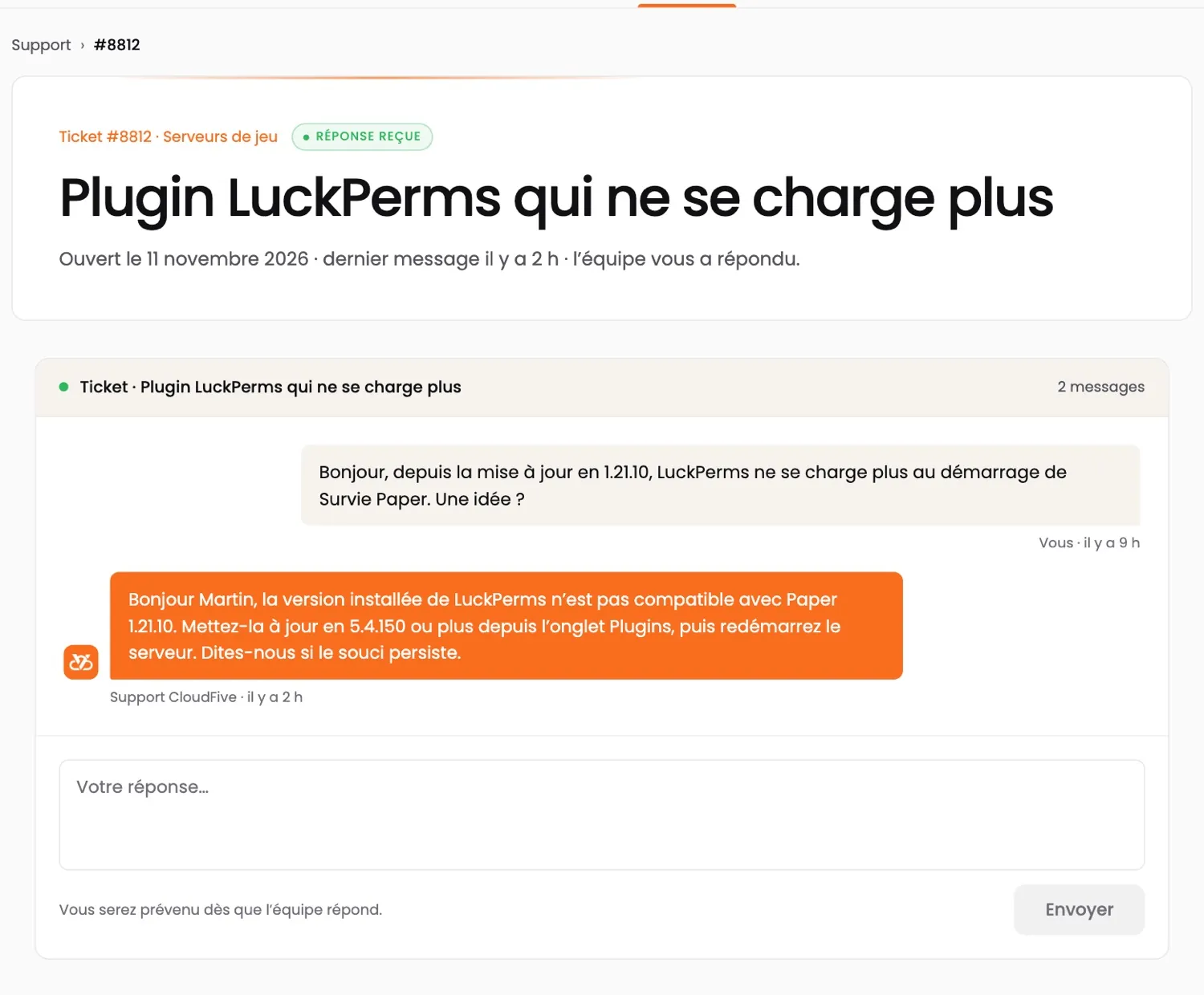
CloudFive AI answers you at any hour, in seconds. When it doesn’t know, or as soon as you ask, the team that runs the machines takes over. No offshore call centre.
- TicketThe team replies in under 2 hours, 7 days a week.
- CloudFive AIAt any hour, on ia.cloudfive.fr, Discord and in your customer area.
- DiscordThe team, the AI and other customers, in the help channel.
- Your data stays with usAI runs on our servers in France; e-mails, IPs and passwords are masked.
CUSTOMER AREA · APP
Your servers.
At your fingertips.
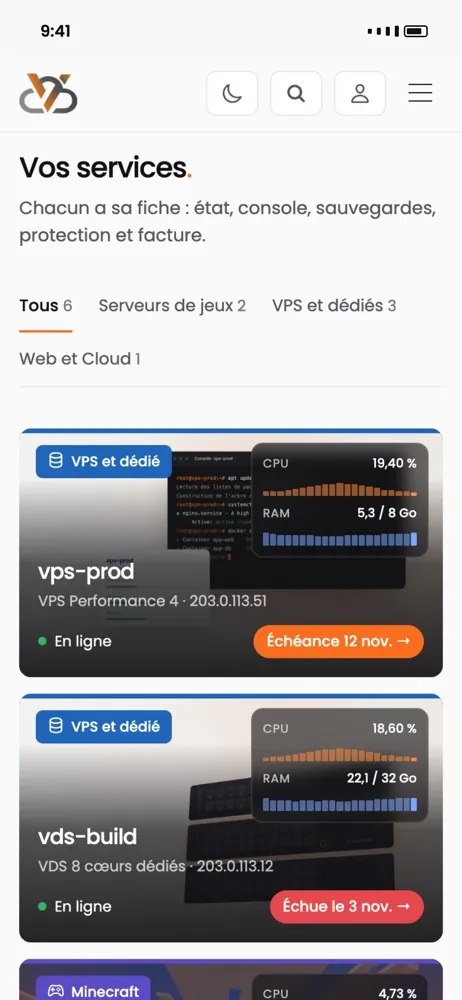
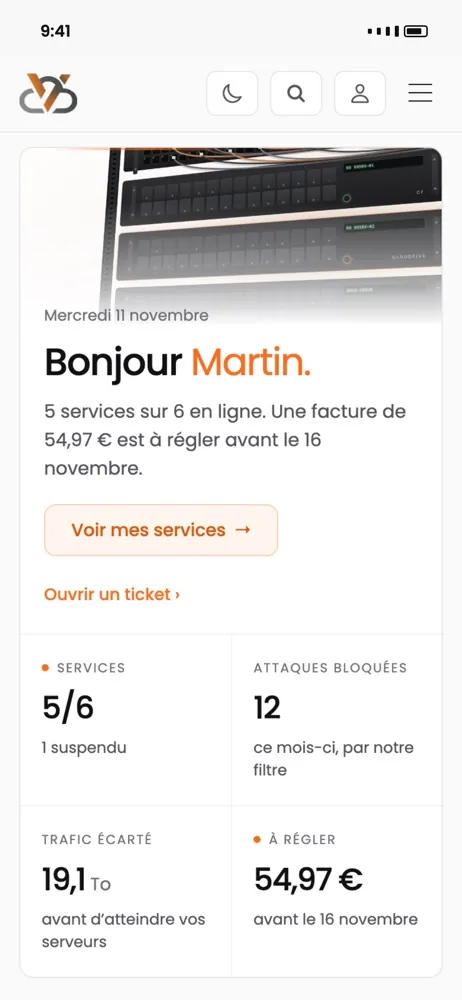
Restart a server, watch its resources live, pay an invoice or open a ticket — and get an alert when something goes wrong.
- The status of all your services at a glance
- Blocked attacks, filtered traffic, monthly peak
- A notification when a server goes down or an invoice is due
App coming soon · in the meantime, everything works in your browser at manager.cloudfive.fr