01
Java or Bedrock
Minecraft comes in two editions that do not connect to each other directly:
- Java Edition, on computers: this is the one that supports plugins and mods, and it runs the vast majority of community servers.
- Bedrock Edition, on consoles, phones and Windows.
To welcome both, the most common solution is a Java server with the Geyser and Floodgate plugins: Geyser lets Bedrock players join, Floodgate spares them the need for a Java account.
02
Choosing the server software
- Vanilla: the official server, with nothing else. Simple, but no plugins.
- Paper: the default choice for a server with plugins. It supports Bukkit and Spigot plugins and handles load far better than the official server.
- Fabric: lightweight mods, updated quickly after each game release.
- Forge and NeoForge: the big mods and most modpacks.
Plugins and mods do not mix: choose the family before you build your world. On our Minecraft plans, Paper, Fabric, Forge and Modrinth modpacks install in one click from the customer area.
03
The first settings
On first start-up, you need to accept the Minecraft licence agreement (the eula.txt file). Everything else is set in server.properties:
max-players: the number of slots;view-distance and simulation-distance: the two settings with the biggest impact on performance. Lowering them by one or two notches takes a lot of pressure off a busy server;difficulty, gamemode and pvp: the rules of the game;white-list: only accept registered players, ideal for playing with friends;online-mode: leave it enabled; it checks that every player owns a Minecraft account.
04
The plugins to install first
On a Paper server, a few plugins show up almost everywhere:
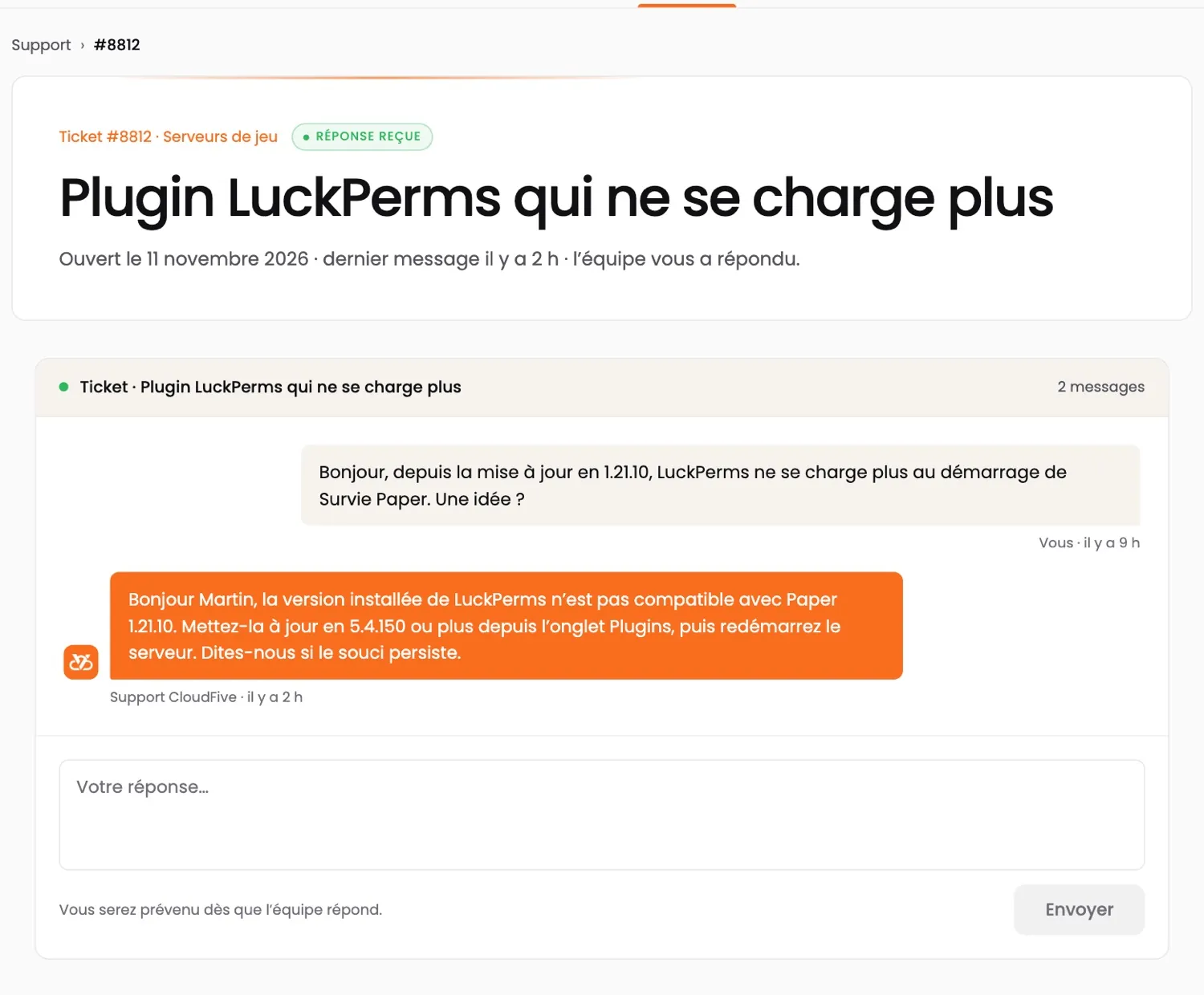
- LuckPerms: ranks and permissions;
- EssentialsX: the basic commands (teleportation, homes, kits);
- CoreProtect: block history, to roll back griefing;
- Chunky: pre-generate the map, to avoid slowdowns when players explore.
Install them one at a time and restart in between: a plugin throwing errors is spotted straight away.
05
Memory and CPU
Minecraft computes most of the world on a single thread: CPU clock speed matters more than the number of cores. As for memory, it all depends on what you install: the guide how much RAM for a Minecraft server gives guidelines based on players, plugins and modpacks.
06
Opening the server to players
Java players connect on port 25565 by default, Bedrock players on port 19132 over UDP. With a hosting provider, the address and port are provided: you just need to share them.
A public server also attracts attacks. Our Minecraft servers are covered by Anti-DDoS Premium, tuned for gaming, and backed up automatically over a rolling 5 days, restorable in one click.
07
Frequently asked questions
How do I create a free Minecraft server?
You can run the server on your own computer, but it stops when the computer is switched off and it exposes your connection. A hosting provider keeps it running day and night, protected from attacks.
Can Bedrock players join a Java server?
Yes, with the Geyser and Floodgate plugins installed on a Paper server: Bedrock players connect on Geyser's port (19132 by default), without a Java account.
Paper or Spigot?
Paper: it supports Spigot and Bukkit plugins and handles load better. It is the default choice for a server with plugins.