Java, Bedrock and choosing a loader
Minecraft comes in two editions. Java Edition, on computers, supports plugins and mods: it is what almost every community server runs. Bedrock Edition runs on consoles, phones and Windows. To open a Java server to Bedrock players, you add the Geyser and Floodgate plugins to a Paper server.
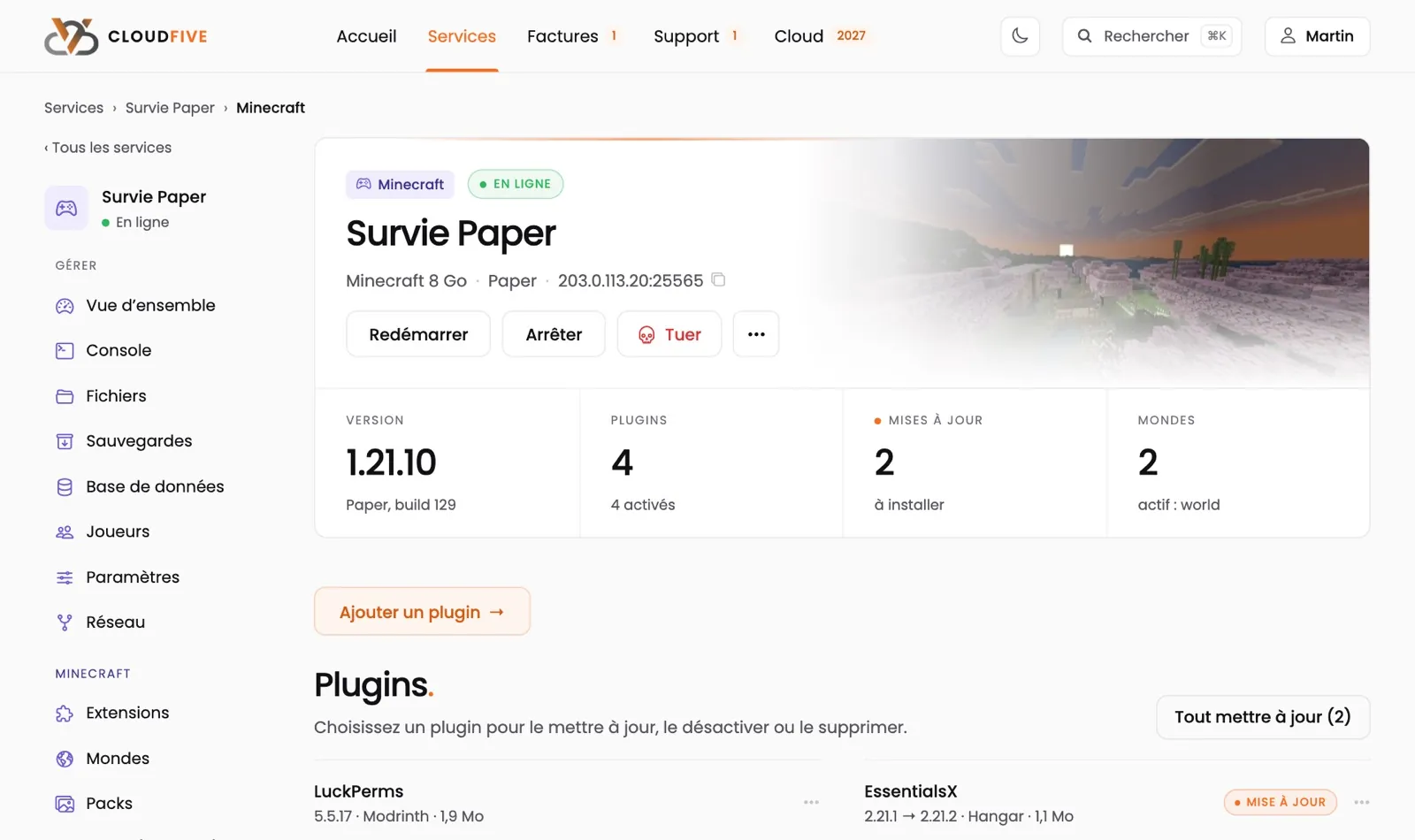
Pick the loader before you build your world, because plugins and mods do not mix:
- Paper or Purpur for Bukkit and Spigot plugins (ranks, land protection, economy);
- Fabric for lightweight mods that are updated quickly after each game release;
- Forge or NeoForge for large mods and most modpacks.
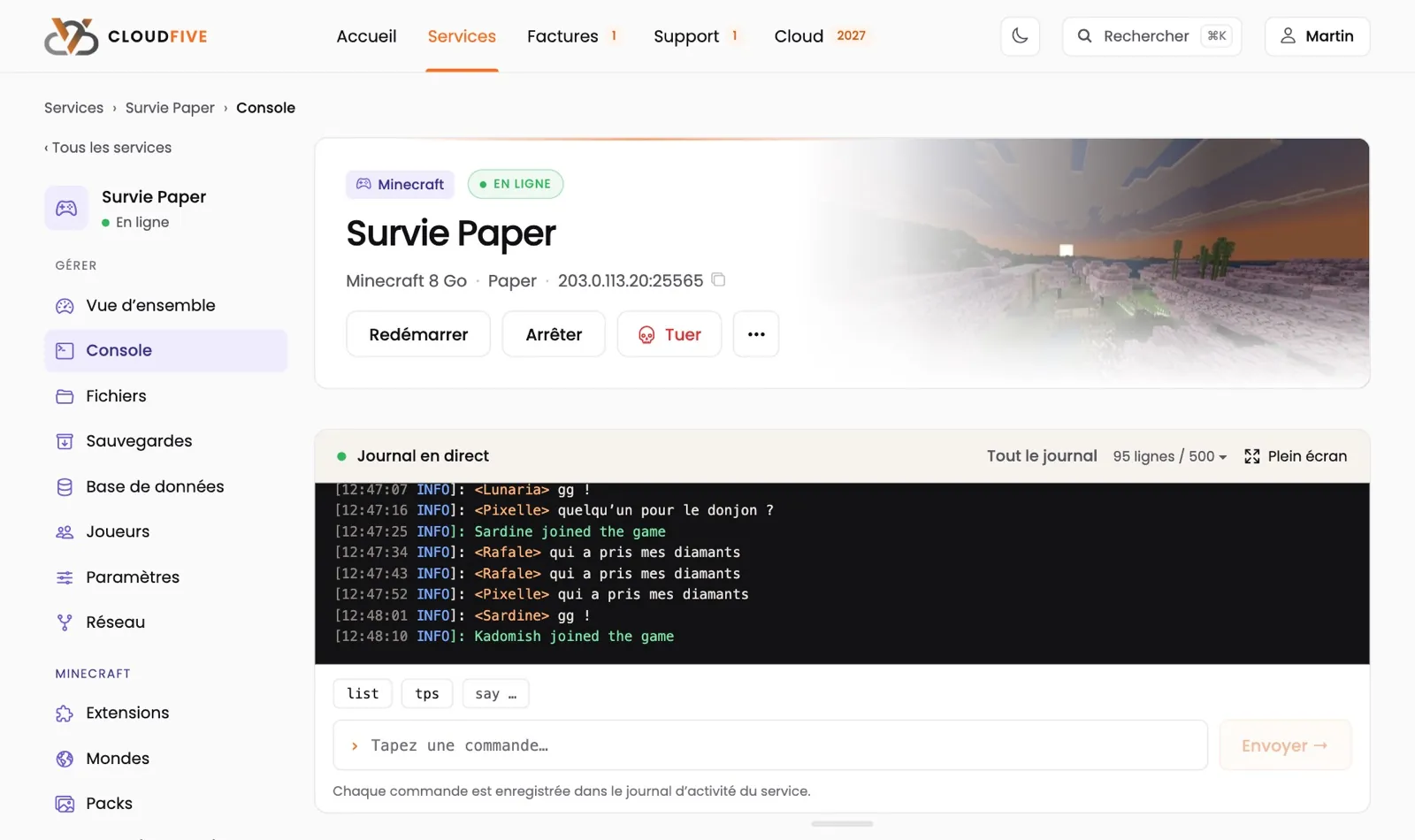
On our plans, you change the loader and the version from the client area, and a backup is taken before every change.
A Minecraft server on NVMe: why it matters
A Minecraft world is stored in region files (.mca) that the server reads and rewrites constantly: every area explored is generated and then saved, and the autosave goes back over everything that changed. On a slow disk, those writes show up in game.
NVMe storage speeds up chunk loading, restarts and backups. Every one of our Minecraft tiers runs on it, from 50 to 100 GB on the first four. Two habits keep the disk under control:
- pre-generate the map with a plugin such as Chunky, then set a world border: generating terrain during play is expensive;
- clean out logs and old test worlds, which grow quietly.
What weighs on memory and CPU
The server computes the world 20 times per second, on one main thread. When a tick takes longer than 50 milliseconds, the world slows down and the console prints "Can't keep up!". The speed of a single core therefore matters more than the number of cores: our servers run on Ryzen 9 9950X with DDR5 memory, on every tier.
Memory depends mostly on what you install. A Paper server with a few plugins is fine with 8 GB; a modpack with several hundred mods needs 16 or more. In server.properties, two settings weigh more than the rest: simulation-distance and view-distance. Lowering them one step relieves a busy server, often before you need a bigger tier.
Renting a Minecraft server with DDoS protection
A public server sooner or later draws attacks, often after a ban or an announcement on social media. Java players connect on port 25565 over TCP by default; your server's address and port are provided with it.
Anti-DDoS Premium is included with every Minecraft plan. Our filter reads each packet on the network card, before the operating system, and recognizes a real Minecraft session: player traffic gets through, the rest is dropped, with no detour through a remote scrubbing center and no added latency. Every block carries its reason: if a real player is dropped, the team finds the cause and exempts them.
On your side, keep online-mode enabled and use the whitelist for a private server: you manage it from the server's page, without editing any file.
Minecraft plan or Minecraft VPS
A Minecraft plan gives you a server that is ready to play: loader of your choice, modpacks and plugins from Modrinth, operators and server properties managed from the server page without editing files, and automatic backups over a rolling 5 days, restorable in one click and downloadable. You switch tiers from the client area without reinstalling or losing your worlds.
A Ryzen VPS suits you if you want to run everything yourself: same CPU, root access, a dedicated IPv4 address, and room for a Velocity proxy, a website or a Discord bot next to the game. You then install Java and the server yourself. The game's own filter is a paid option there (Premium Protection, from the VPS Protection page), whereas it is included in our game plans. For several servers without a system to manage, see the Pterobox.
To set up the server step by step, read the guide how to create a Minecraft server, and to size its memory, how much RAM for a Minecraft server.